
The Markforged FX10
Now also 3D prints metal
The Markforged FX10 –
Now also 3D prints metal




The Markforged FX10 – Industrial 3D Printer
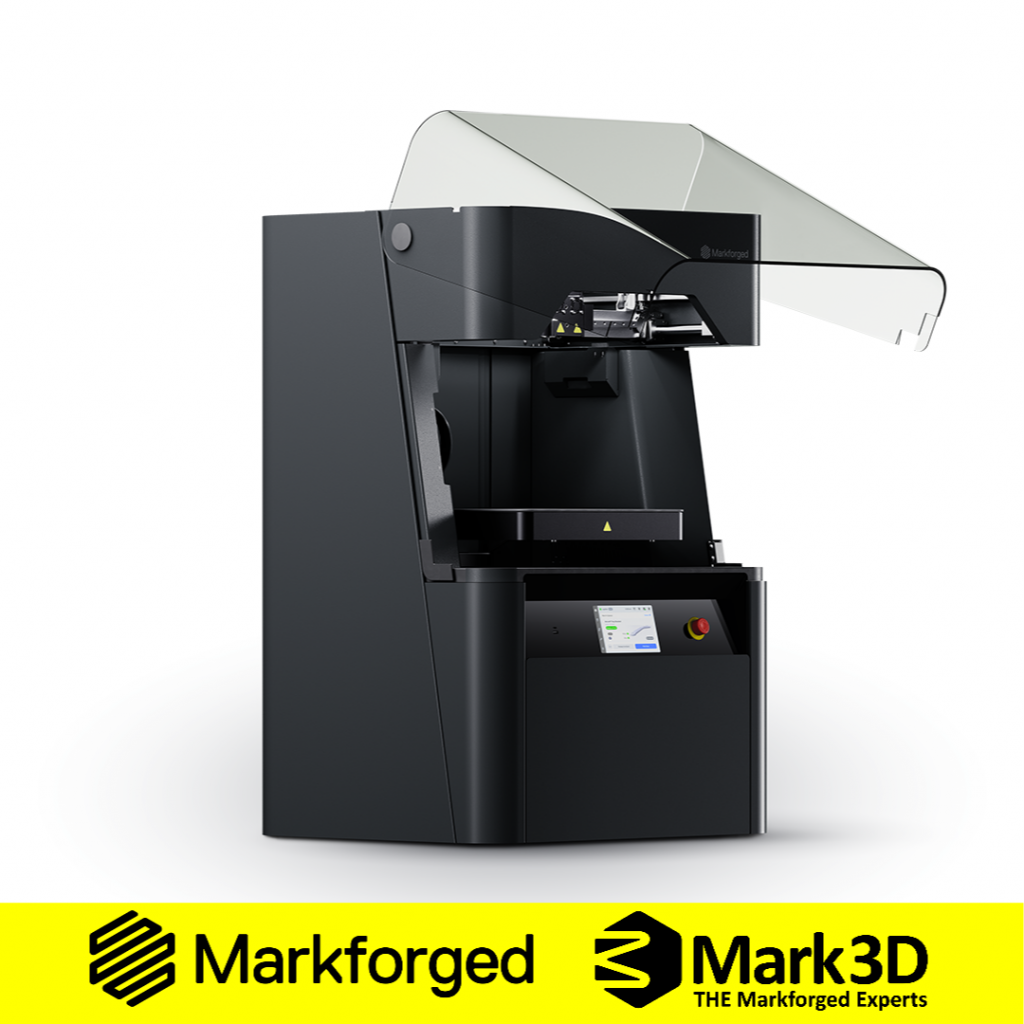
The Markforged FX10 is a next-generation industrial composite 3D printer, designed to produce strong parts in manufacturing environments. Building on the success of the Markforged X7, its purpose is simple: to help manufacturers produce robust, production-ready components.
The Markforged FX10 stands apart from many industrial 3D printers because it can produce both composite and metal parts using a filament-based process. This gives manufacturers greater flexibility when producing tooling, fixtures, replacement parts and functional components in-house.
The FX10 also features automatic calibration and material changeover, resulting in a simple, low-touch user experience suited to real production environments.
Watch the Markforged FX10 3D Printer at work
Why choose the Markforged FX10
The Markforged FX10 is built for manufacturers who need strong parts without long lead times, complex workflows or unnecessary operator involvement. It combines continuous fibre reinforcement, optional metal printing, automated calibration and Eiger 3D printing software in a single industrial platform.
Together, these features make the FX10 suitable for producing tooling, fixtures, replacement parts and functional components in-house.
3D print high-strength parts
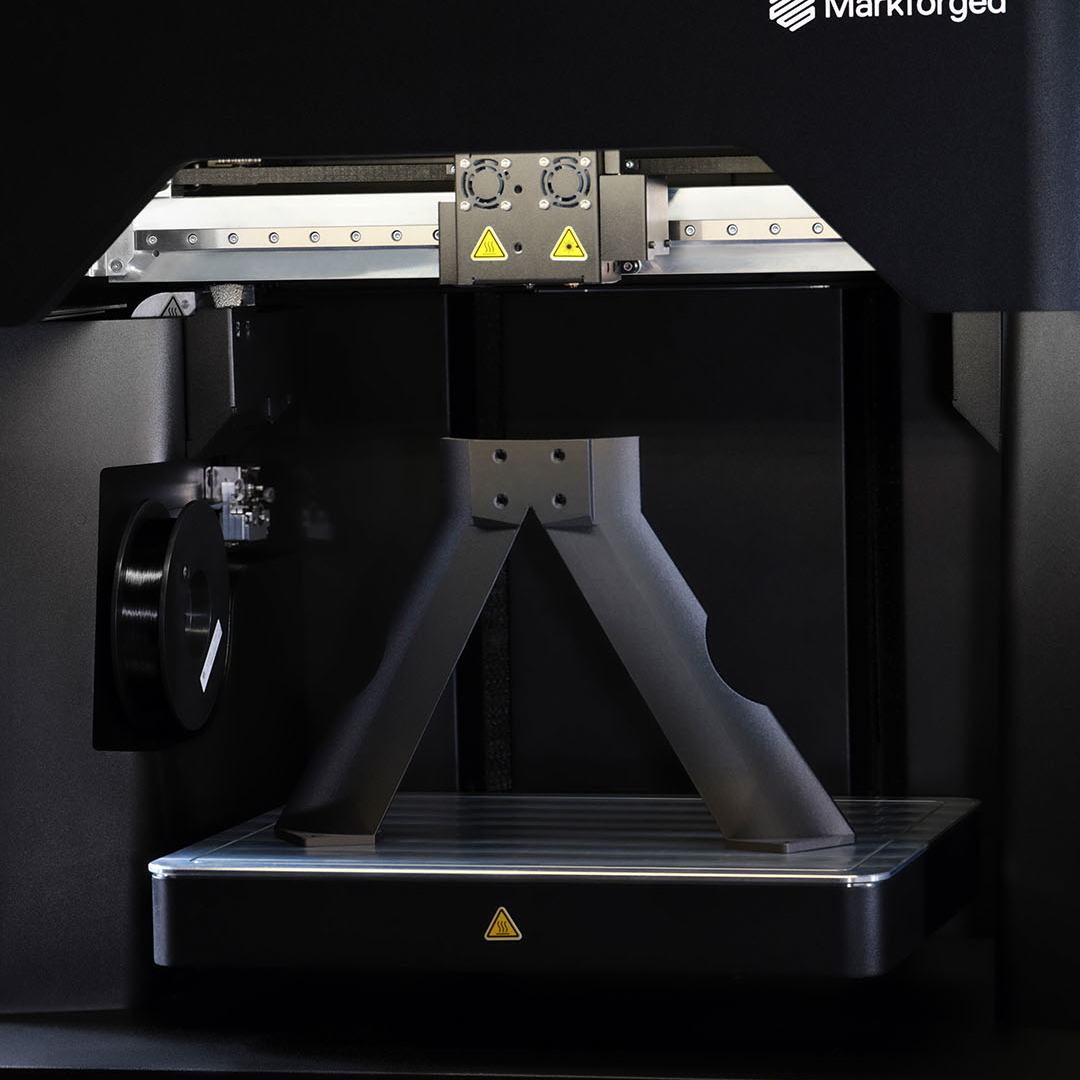
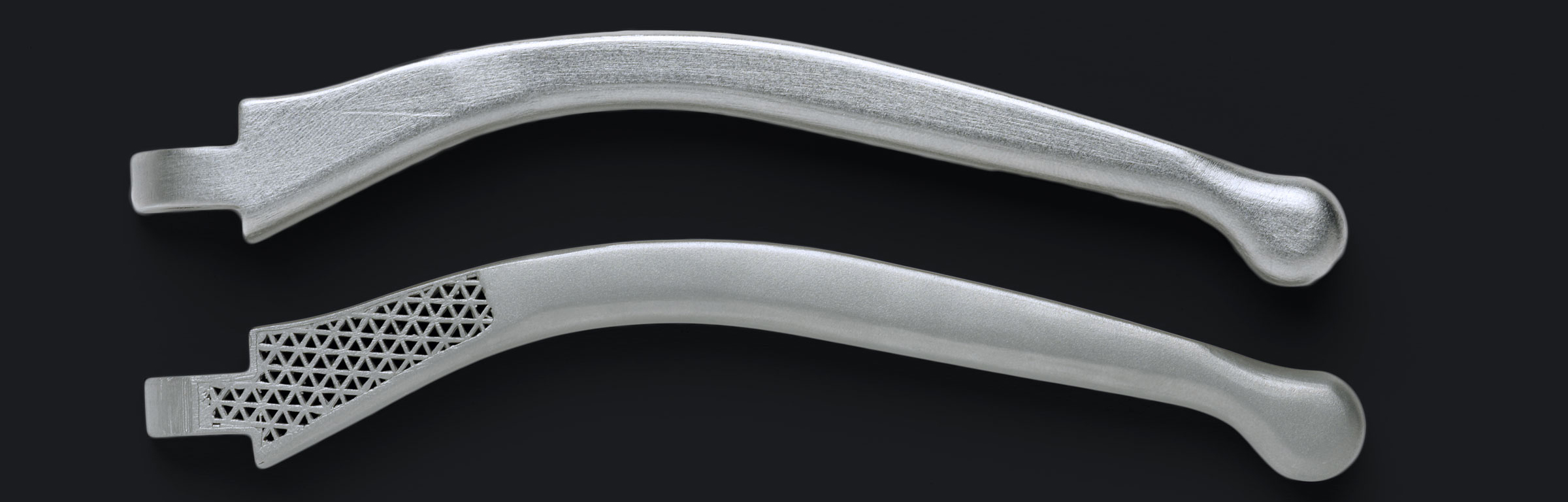
The Markforged FX10 produces composite parts that can be stronger than aluminium when reinforced with continuous carbon fibre. For applications that require higher strength, wear resistance or specific stainless steel properties, the FX10 can be configured for metal printing with the optional Metal Kit. This allows manufacturers to choose the right process for the part, rather than relying on a single material or production method.
Designed for repeatable production
The FX10 is designed to reduce variation between prints, operators, and production runs. Supported by simulation and inspection software, the FX10 enables the production of components that meet the requirements of the factory floor, not just the prototype stage.
Scale from one machine to wider production
The Markforged FX10 operates within the Digital Forge, Markforged’s additive manufacturing platform. This includes intuitive software, training and integrated costing tools. For many manufacturers, the return comes from reducing outsourced machining, shortening tooling lead times and improving access to parts when they are needed. The FX10 can also be scaled across teams, machines and facilities as additive manufacturing becomes more established within the business.
The Digital Forge:
Powered by Software
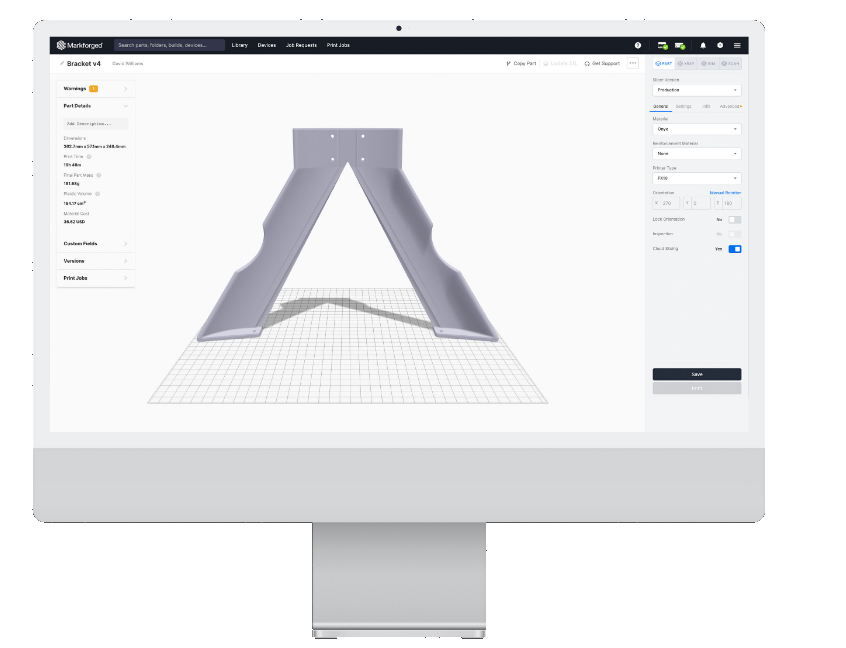
The Markforged FX10 is powered by Eiger™, a cloud-based platform designed for ease of use and scalability.
Eiger forms part of the wider Digital Forge platform, supporting the full workflow from part preparation to print management. It enables:
- Centralised part storage and management
- Consistent workflows across teams and sites
- Remote monitoring and control of print jobs
- Scalable deployment across multiple machines
This makes the FX10 suitable for single-machine use and also for manufacturers looking to expand additive manufacturing across departments or facilities.
Request a Sample Part!
Feel the strength of continuous fibre for yourself.
Built for reliable production
The Markforged FX10 is designed to deliver consistent results with minimal operator intervention. For production teams, this helps reduce variation between users, shifts and print runs. The system combines controlled build conditions, automated material handling and integrated inspection features to support reliable part production.
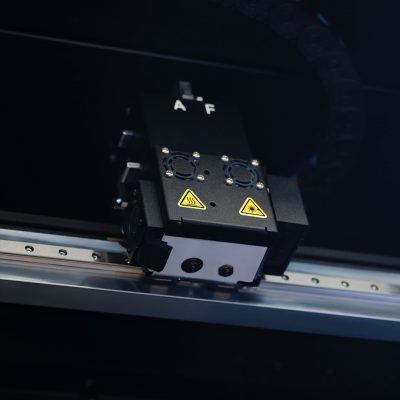
Image Processing Module and Laser Micrometer*
To support inspection and calibration, the Markforged FX10 includes two optical sensors mounted on the print head.
- The Laser Micrometre Inspector checks layer dimensions for print validation and machine calibration.
- The Vision Module captures detailed images to scan parts and optimise printer performance.
Please note: The Image Processing Module will be delivered as a free upgrade shortly after initial release.
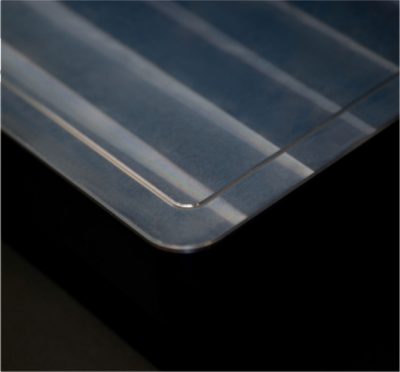
Vacuum Sealed Print Bed
The Markforged FX10 features a large build chamber heated to 60°C, supporting stable, high-quality printing.
The vacuum-sealed aluminium print bed is also heated and includes precision grooves that are scanned to the micrometre level for calibration. This helps maintain a controlled print environment, particularly when producing larger or more dimensionally critical parts.
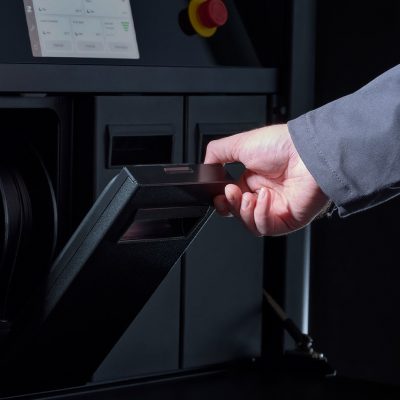
Modern Material Storage with Automatic Changeover
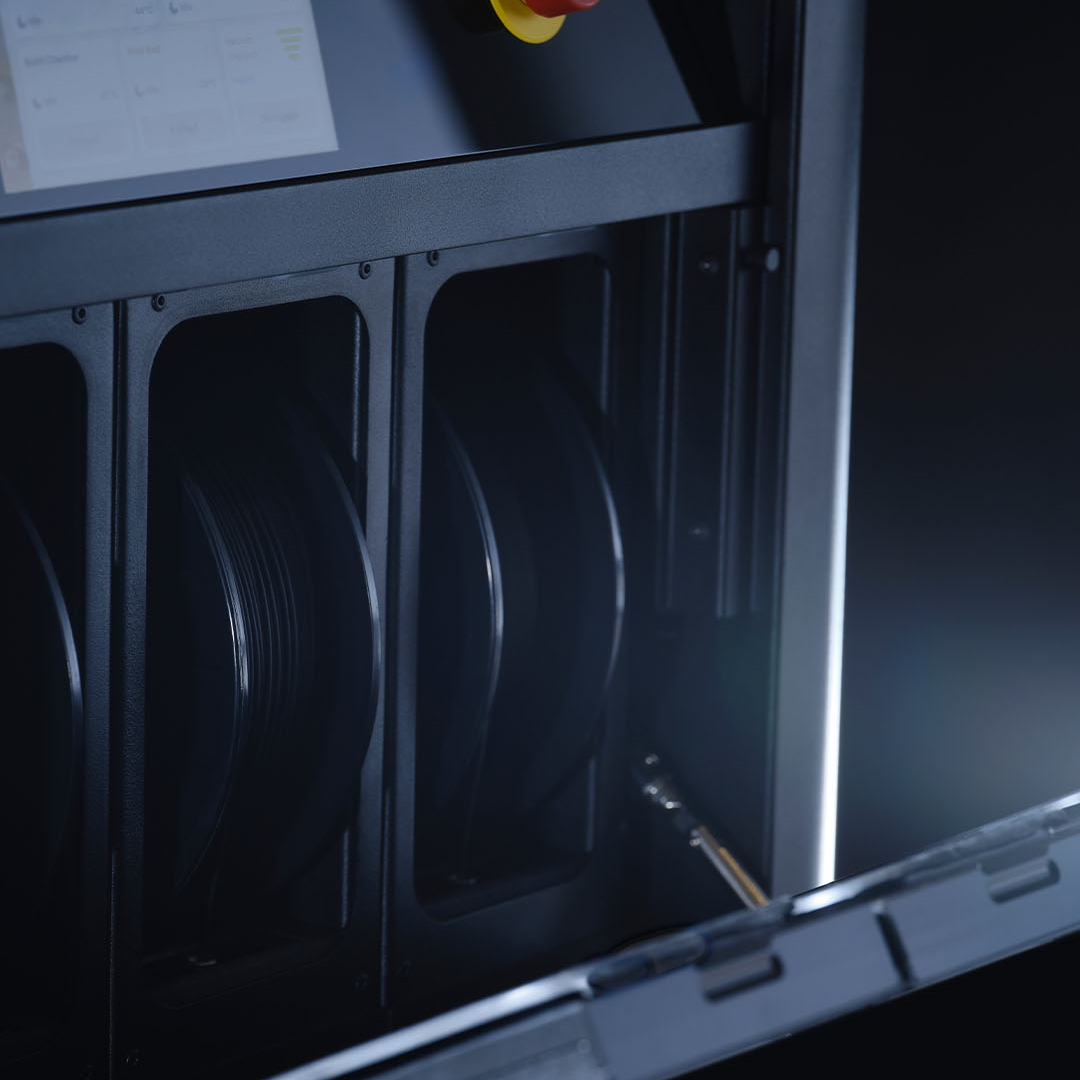
An internal material cabinet stores four spools in individually sealed compartments and supports automatic material changing and rapid loading. This reduces operator involvement and helps maintain consistent material performance during longer print runs.
Metal 3D printing with the Markforged FX10
While the Markforged FX10 prints composite parts as standard, its optional Metal Kit extends the system into stainless steel part production.
Unlike powder-based metal systems, the FX10 uses metal 3D printing filaments. This makes the process easier to integrate into existing manufacturing environments while still giving teams access to functional metal components.
The FX10 Metal Kit allows manufacturers to print:
- 17-4PH stainless steel
- 316L stainless steel
Once printed, metal parts go through debinding and sintering to achieve their final properties. This makes the FX10 a practical option for manufacturers that want to bring selected stainless steel applications in-house, without moving to a powder-based metal system.

Materials available
The Markforged FX10 supports a focused range of engineering materials, allowing manufacturers to select the most appropriate option for each application. This includes materials for strength, flame resistance, static dissipation, food-safe environments and stainless steel performance.
Composites


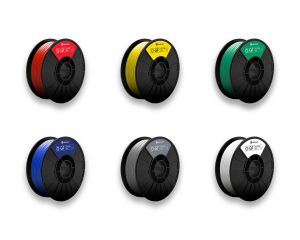
Reinforcement


Metals

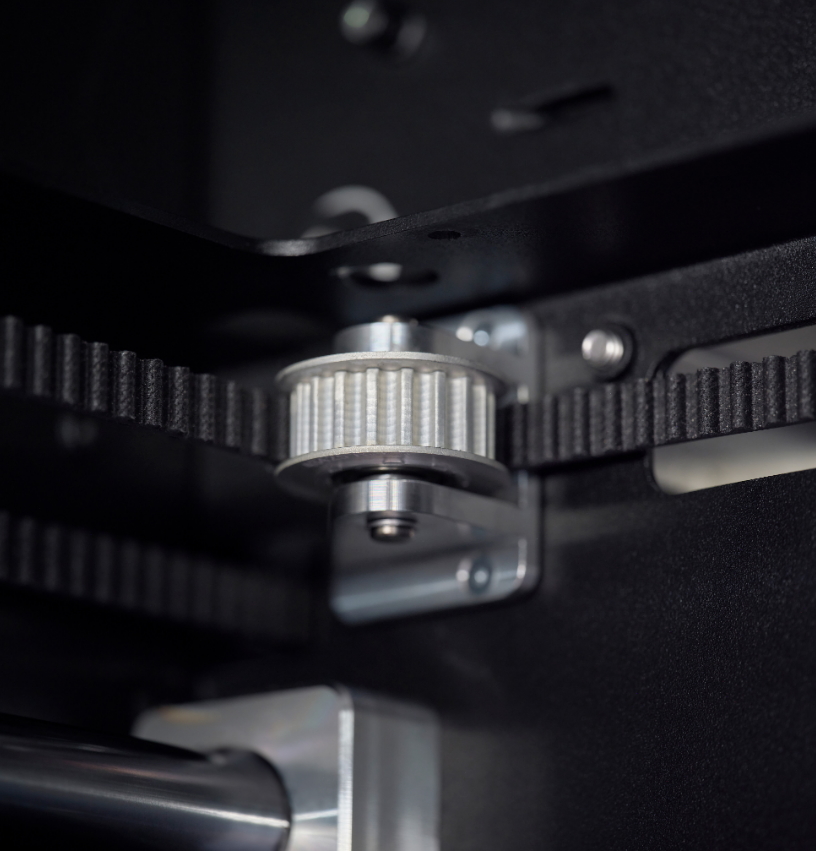
The Markforged FX10 increases the profitability and productivity of your manufacturing
| Technical Data | Markforged FX10 |
|---|---|
| Build Volume | 375 x 300 x 300 mm |
| Z-layer Height | 50 – 125 – 250 μm |
| Build Chamber | Heated to 60 °C |
| Materials | Engineering Thermoplastics: Onyx™ Continuous Fibres: carbon fibre Metal Filaments: 17-4 stainless steel, 316L steel |
| Power | 230 V |
| Weight | 109 Kg |
| Footprint | 760 x 640 x 1200mm |
Speak to Mark3D about the Markforged FX10
If you would like to understand whether the Markforged FX10 is suitable for your business, Mark3D can help assess your parts, materials and production requirements. Our team can support you with application advice, sample parts, demonstrations and configuration guidance.
Contact us to discuss a tailored quote for the Markforged FX10.
Mark3D UK Limited
Romsley Point
Farley Lane, Romsley, Halesowen, B62 0LG
Phone: +44 121 661 1151
Freephone: 0800 193 3650
Email: printstronger@mark3d.co.uk
World market leaders rely on Markforged 3D printers

Frequently asked questions about the Markforged FX10
What is the Markforged FX10 price?
The Markforged FX10 price depends on the system configuration, including whether the optional Metal Kit is required. The most suitable setup will depend on the parts you want to produce, the materials required and how the printer will be used within your production workflow. Mark3D can provide a tailored quote based on your application.
Where can I find a Markforged FX10 review?
If you are looking for a practical Markforged FX10 review, the key areas to consider are material capability, repeatability, ease of use, software workflow and the post-processing requirements for metal parts. The best way to assess whether the FX10 is suitable is to review the parts you currently machine, outsource or struggle to source quickly. Mark3D can help evaluate these applications and provide sample parts where appropriate.
Can the Markforged FX10 print metal?
Yes. The FX10 prints composite parts as standard and can be configured for metal printing with the optional Metal Kit. It supports 17-4PH stainless steel and 316L stainless steel, with debinding and sintering required after printing.